Main Page
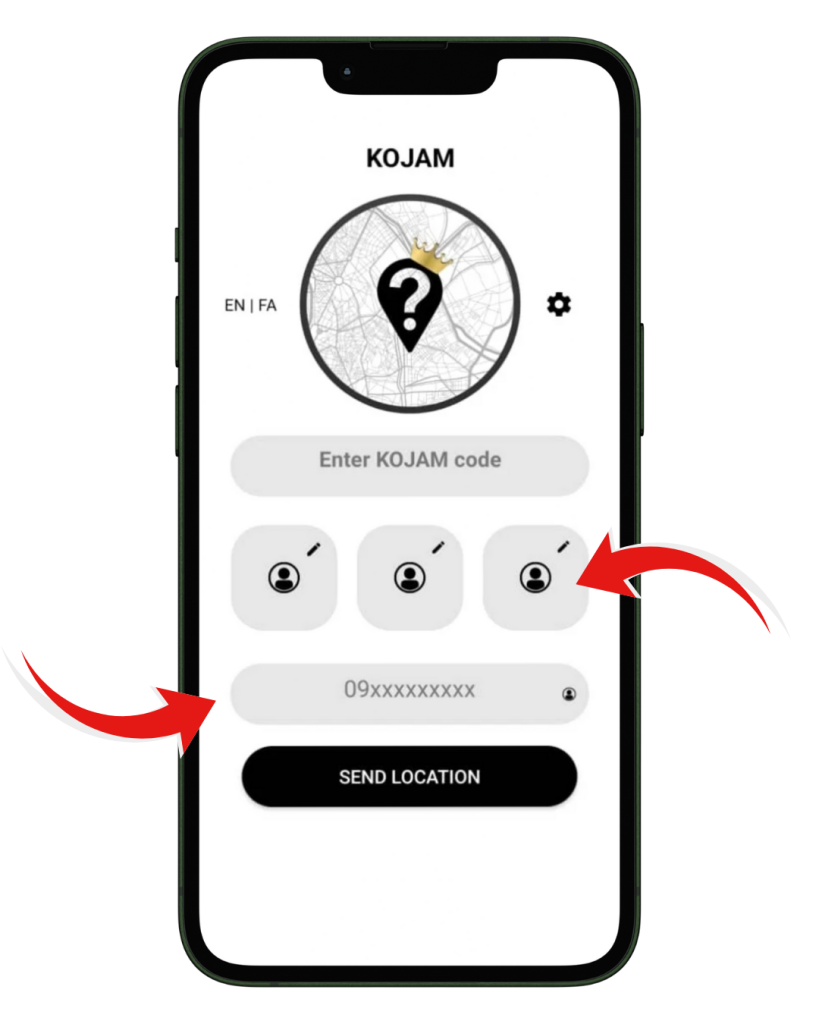
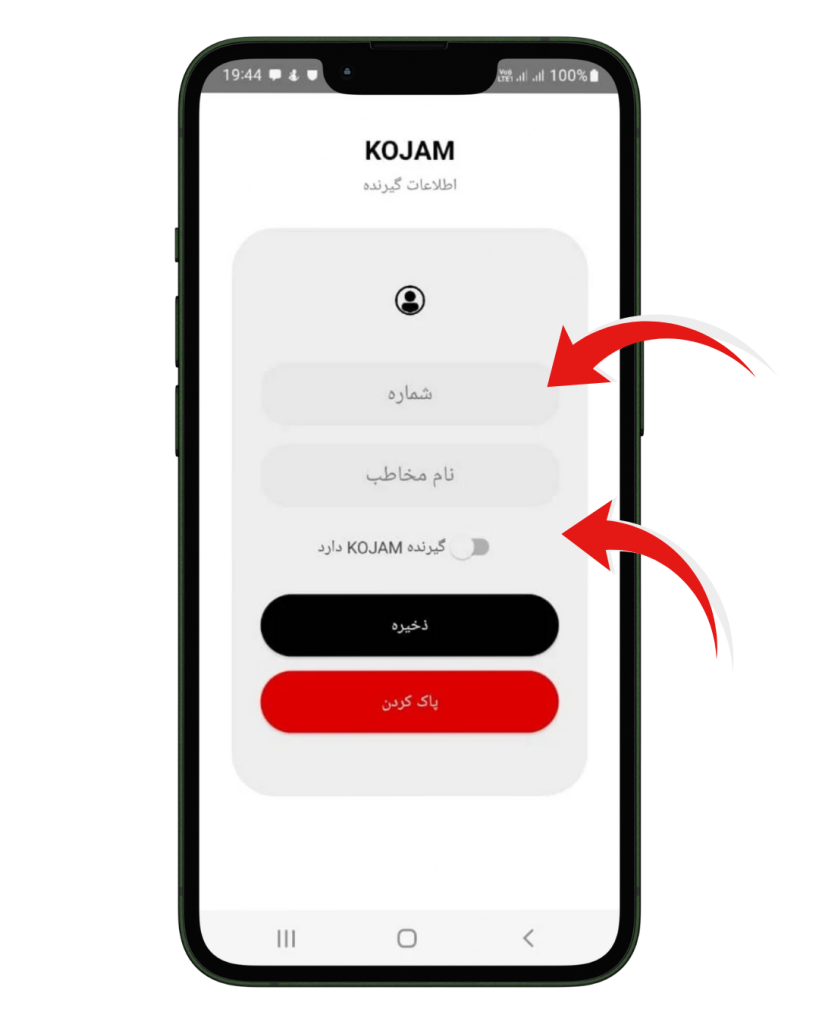
The shortcut buttons let you save up to three frequent contacts and send your location to them instantly with one tap. No need to retype numbers each time.
The phone number field works for manual input, but the contact icon beside it makes everything easier: tap it, pick someone from your phone, and KOJAM fills the number automatically. This makes sending your location faster, cleaner, and almost effortless in real situations.
Shortcuts Are Handy
Settings
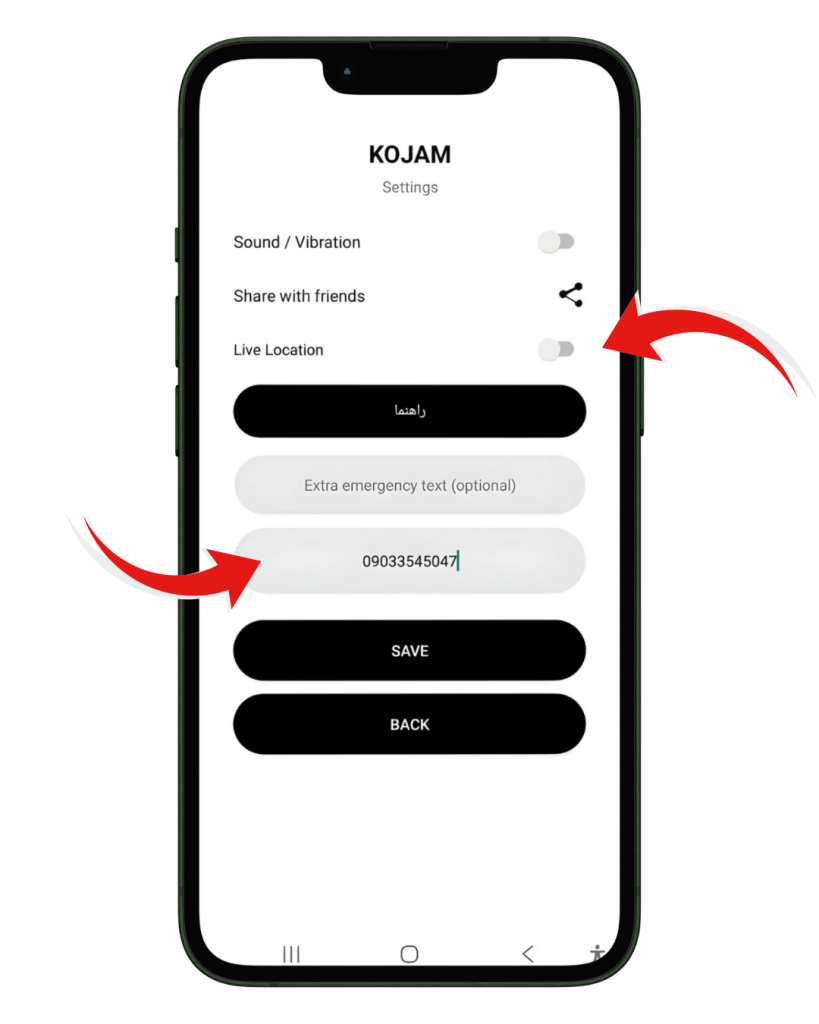
The emergency number field lets you store a dedicated contact who will always receive your alert messages first. This removes hesitation in critical moments and ensures KOJAM knows exactly where to send the four emergency texts.
Live Location gives your chosen contact a continuously updated position instead of a one-time snapshot. When activated, KOJAM sends refreshed coordinates in the background so they can track your movement in real time. It’s designed for safety, trips, and any situation where someone needs to follow your path without constant calls or messages.
EMERGENCY
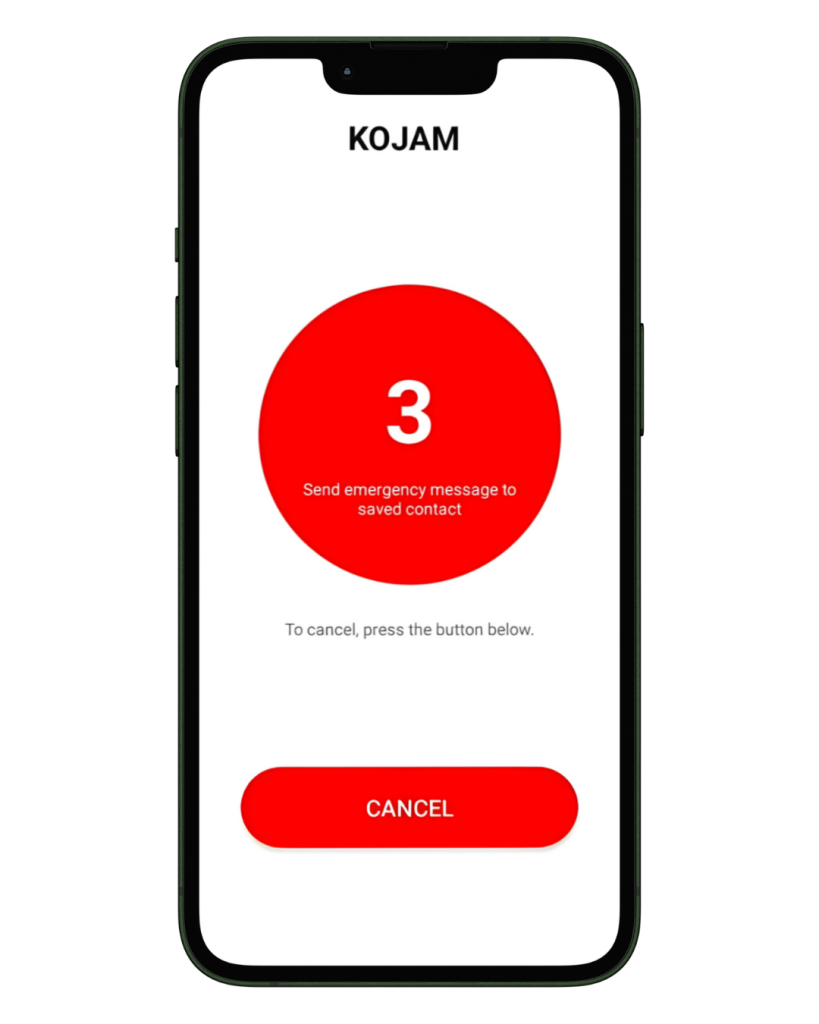
The countdown activates the moment you tap the emergency button. During these three seconds, you can cancel if it was triggered by mistake.
If it completes, KOJAM automatically sends four separate messages to your saved emergency contact: your coordinates, a Google Maps link, a KOJAM code, and your exact address if available. This sequence ensures they receive everything they need, even with weak signal or older phones.